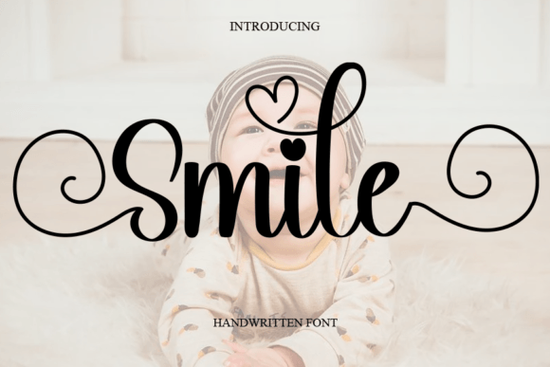
If you’ve been searching for a handwritten font that feels effortless and friendly, Smile Font might be exactly what your next project needs. It’s not flashy or overly stylized just clean, natural lettering that works across greeting cards, quotes, packaging, and even social media graphics. Whether you’re designing for print-on-demand products or personal crafts, this script font adds warmth without overwhelming your layout.
What makes Smile Font different from other handwritten fonts?
Many script fonts try too hard to look “designed.” Smile Font doesn’t. Its strokes feel like they were drawn quickly with a favorite pen slightly uneven, gently curved, and full of personality. That’s why it pairs so well with both casual and semi-professional projects. You can use it for:
- Custom wedding or birthday invitations
- Branded stickers or labels for small businesses
- Social media quote posts that need a human touch
- T-shirt designs where legibility matters as much as style
If you’ve liked the relaxed vibe of Le More’s Signature or the polished-but-playful energy of Preppy Writing, you’ll probably feel right at home with Smile. It sits comfortably between those two not too formal, not too messy.
Can I use Smile Font for commercial projects?
Yes. Like most fonts on Creative Fabrica, Smile comes with a commercial license when you download it through their subscription or single purchase. That means you can confidently use it on Etsy listings, POD platforms like Printful or Redbubble, or even client work. Just make sure you’re downloading it directly from the official product page to ensure licensing compliance.
One thing to note: while the font is versatile, it’s still a script. For long paragraphs or tiny text (like fine print on packaging), you might want to pair it with a simple sans-serif. Think of Smile as your headline or accent font the one that draws attention and sets the tone.
How does it compare to similar fonts in the script category?
Compared to Florist Perfect, which leans more decorative and floral, Smile keeps things minimal. And unlike Strong Girl, which has bold, assertive strokes meant to stand out, Smile whispers rather than shouts. That subtlety is its strength. It doesn’t fight for attention it invites the viewer in.
Here’s a quick way to decide if Smile fits your needs:
- You want something that feels handmade not machine-perfect.
- You need legibility at medium to large sizes think posters, mugs, tote bags.
- You’re pairing it with photos or illustrations it won’t clash or compete visually.
Any tips for styling Smile Font effectively?
A few small tweaks can make a big difference:
- Spacing matters. Try increasing the letter-spacing slightly if using all caps it helps the characters breathe.
- Pair it with a neutral sans-serif like Montserrat or Lato for contrast in multi-text layouts.
- Use sparingly in logos unless your brand voice is intentionally casual and approachable.
Also, don’t overlook the lowercase. The uppercase letters are charming, but the lowercase set often flows better in sentences or short phrases. Test both before committing to a design.
Who’s already using Smile Font successfully?
We’ve seen crafters use it on laser-cut wood signs, stationery designers on thank-you cards, and even small coffee roasters on limited-edition bag labels. One Etsy seller told us they switched from Preppy Writing to Smile for their Mother’s Day collection because customers kept commenting on how “real” and “unforced” the lettering felt.
That’s the real win here: authenticity. In a world full of over-designed fonts, Smile feels like someone actually wrote it because, in spirit, they did.
Before you download, here’s a quick checklist:
- ✅ Check your project’s tone is “friendly” or “casual” part of the goal?
- ✅ Preview the font in your actual layout size scripts can behave differently at 12pt vs. 72pt.
- ✅ Consider pairing options have a backup sans-serif ready for body text or supporting info.
- ✅ Download from the official Smile Font page to ensure you get the licensed version.
Still unsure? Grab the preview file first. Most Creative Fabrica fonts include a free sample enough to test in your software and see how it behaves with your content. Sometimes, the best way to know if a font “fits” is to type your own words in it and step away for five minutes. Come back and ask: Does this still feel right?
Download Now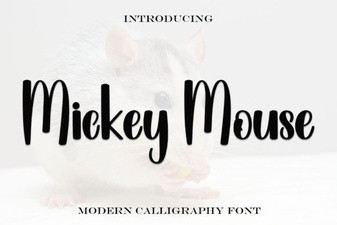 Craft Your Projects with Mickey Mouse Font Style
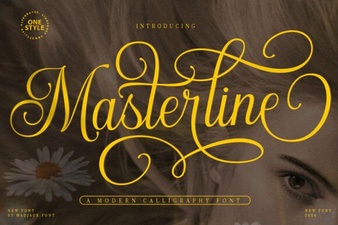 Masterline Calligraphy Font: Design & Typography Guide
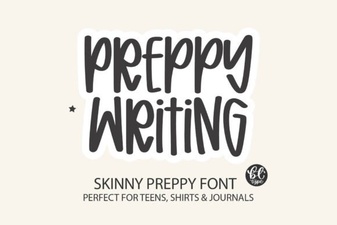 Preppy Fonts for Clean Website Design
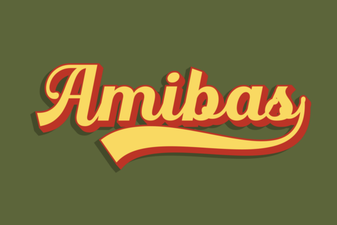 Amibas Font: a Creative Tool for Web Designers
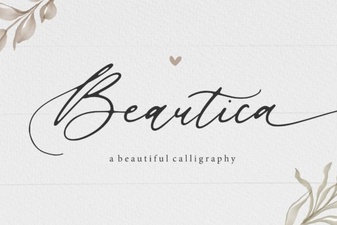 Beautica Font: Elegant Calligraphy for Creative Projects
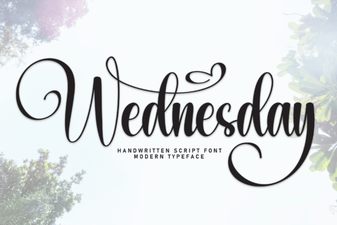 Wednesday Font: a Creative Typography Guide